

Contact Us
Let’s Partner for Your Next Big Presentation
Consult with our Business Advisor
.webp)


The Mindset, the Method, and the Role of Design
A research-backed guide by INK PPT
Most advice on giving presentations is always focused on why presentations are important. There is little advice on how to actually make one. The process begins when you design the first slide of your presentation and then ends when you go into the room with the completed presentation. Below is some advice on making an important presentation.
Before you start working on the presentation, you must make a major shift that will define your further actions. It doesn't have to deal with confidence and presentation skills. You must change your perception of the role of a presenter.
Ordinary presenters tend to work from the inside out. They know everything about the presentation and assemble the information into the slides. In this case, the high-stakes presenter operates the other way around. He starts with the decision.
The very first step here is not "What should I talk about?" It should be the following: "What decision does this room need to make, and what should my audience think to make this decision?"
It dramatically changes the whole approach. It dictates your choices in terms of what content to include, which details to cut, and how much time should be devoted to each section of the presentation.
Nancy Duarte, the one who created the framework for the most successful presentations in history, described the presenter's role as positioning the idea as the bridge from where the audience is to where it wants to be. The presentation should not be focused on you. It is the bridge.
This is another crucial principle that is underestimated by many presenters. You are not here to educate your audience. You are here to facilitate a decision process. Therefore, the best course of action for you to take would be to get rid of any obstacles on their way to making a choice.
In order to do that, you have to gather the necessary information even before starting writing the slides. This information includes such aspects as:
As was said by a senior executive: "It's not about delivering a speech that can educate, persuade, inspire, or lead. It is about pure decision-making." All your choices while working on the presentation should be made keeping that thought in mind.
Performance anxiety is the most common problem before a high-stakes presentation. People think about themselves and how others will see them. This kind of mindset reduces their capacity to perceive the environment and react adequately.
To overcome this problem, top speakers try to make a conscious shift and focus on what the audience wants and needs. The presentation is the service for your clients, not the performance.
This mindset also makes you more resilient to disruption. Tough questions, interruptions, and tangents stop feeling like attacks and start feeling like signs of interest. A room that is asking hard questions is a room that is engaged.
This is a surprising piece of advice given by researchers after studying executives' behavior during high-stakes presentations. The main mistake made by presenters is trying to provide their audience with all the information available.
According to the research results, the ratio between presenting and talking in the case of a discussion is 10 minutes to 20 minutes. The presentation is the background. Dialogue is the place for making the decision.
Executives tend to favor ideas they had some influence on. If you fill the presentation with information, you won't give them a chance. Incompleteness is your strategic advantage here.
Having established the right frame of mind, the steps to build it are straightforward and follow in order. This is no longer an exercise in creativity; instead, it is an engineering exercise. Each step is responsible for a different task.
The best presenters spend most of their preparation time on this step, before even thinking about slides. In this step, you'll produce two things: one decision statement and one audience profile.
Before any structure, before any slides, before any data, discover your big idea. Big Idea is a powerful concept introduced by Nancy Duarte and widely implemented in business communication practices around the world. Your Big Idea can be described in one sentence as your point of view on something + what's at stake if the audience doesn't act.
Example of a Big Idea: "Our current sales cycle is losing us 30% of all closeable business, and a single structural change will bring those back within one quarter."
Everything you'll put into your slides afterwards needs to support the Big Idea. No supporting the big idea, that is not needed in the deck.
Presentations for high-level business meetings are inherently different in terms of their structure compared to regular presentations. In particular, such presentations never lead up to the main idea as they begin with it right away.
Key structural consideration in business presentations: do not lead up to the conclusion, state it right at the beginning of the meeting. As they say, executives are people who want you to skip directly to the last chapter in the book. Evidence leads to conclusion. Not vice versa.
Once a first draft exists, the most important work begins: cutting. The standard for a high-stakes business presentation is not 'does this add information?' It is 'does this make the decision easier?'
One of the most serious mistakes during rehearsals is doing so under optimal conditions. In the reality of a high-stakes business presentation, conditions will change; the time allotted will be shorter than expected, or there will be a tough question posed within the first two minutes.
The purpose of rehearsals is not to memorize the content. Its purpose is to practice the presentation to such an extent that one can adapt to anything that might happen outside the initial plan.
The last part of creating a presentation is design. This step is not merely about decoration but rather a means of ensuring the material created in Parts 1 and 2 reaches the audience. A poor design can sabotage the strongest argument, whereas a well-executed design turns an effective argument into something unforgettable.
When an audience is viewing a slide, they are not reading it, but they are scanning it. All visual elements, including hierarchy, contrast, and layout, are processed instantaneously, long before the viewer consciously perceives any text on the slide.
There are comments and suggestions for viewers of this document
Below are listed six principles taken from cognitive science, visual perception theory, and the study of top-performing executive presentations.
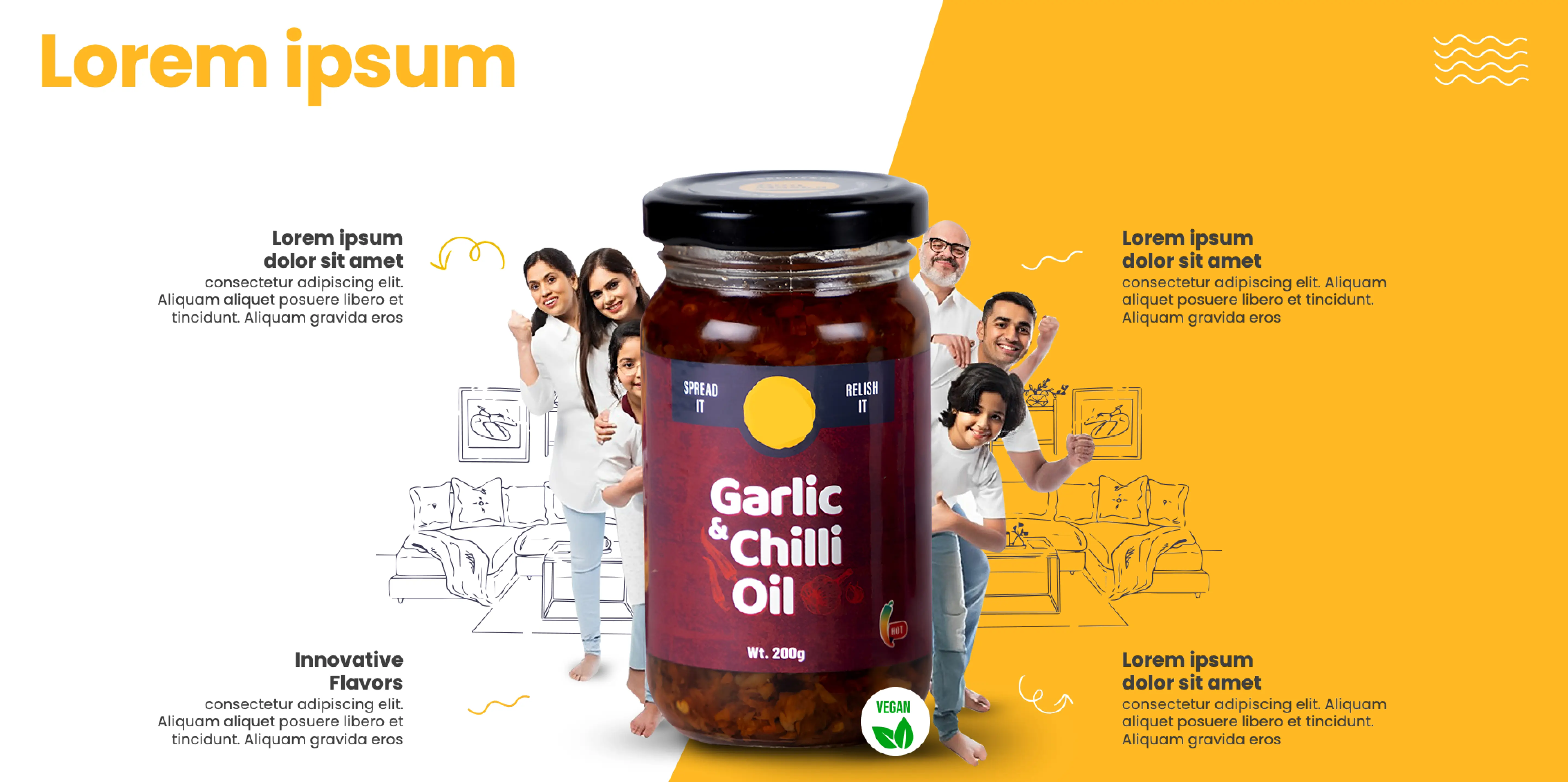
Every single slide has one purpose. Communicate one idea. Use one illustration, graph, or piece of statistics for that slide. If a slide requires prior explanation, it means it is not ready to be shown yet.
The question to ask is, “Is someone in the room able to comprehend what you mean by this slide in eight seconds or less”? If not, then this slide needs to be split into several other slides.
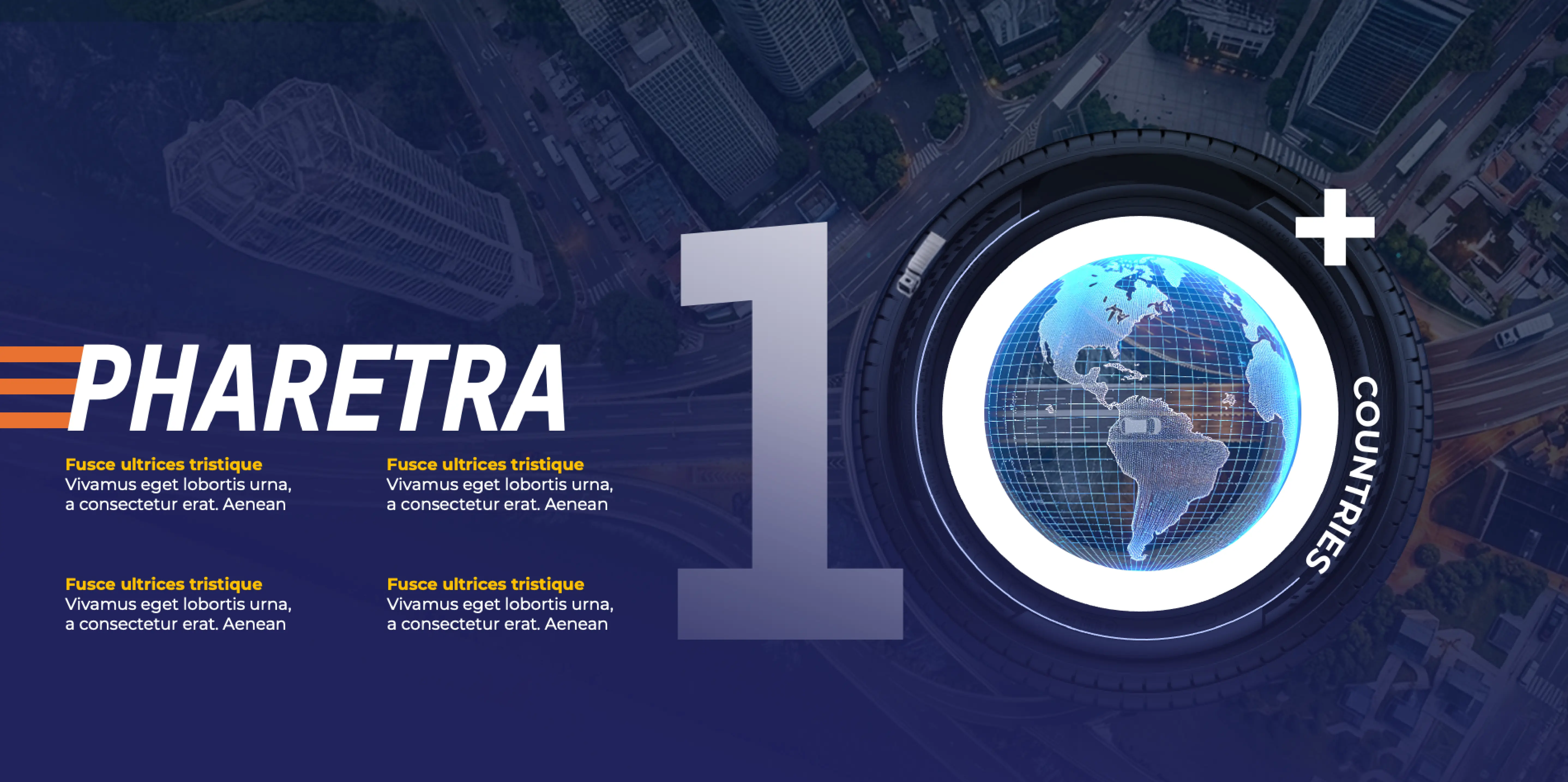
A visual hierarchy gives the viewer clues of where to look first. Important elements on a slide should be bigger or more pronounced than other elements or isolated from other elements. Titles can be used as pointers, but they must be followed by the key information presented.
Use the Gestalt laws of proximity – elements close to each other are perceived as connected. Use the principle of contrast, white space, and balance.
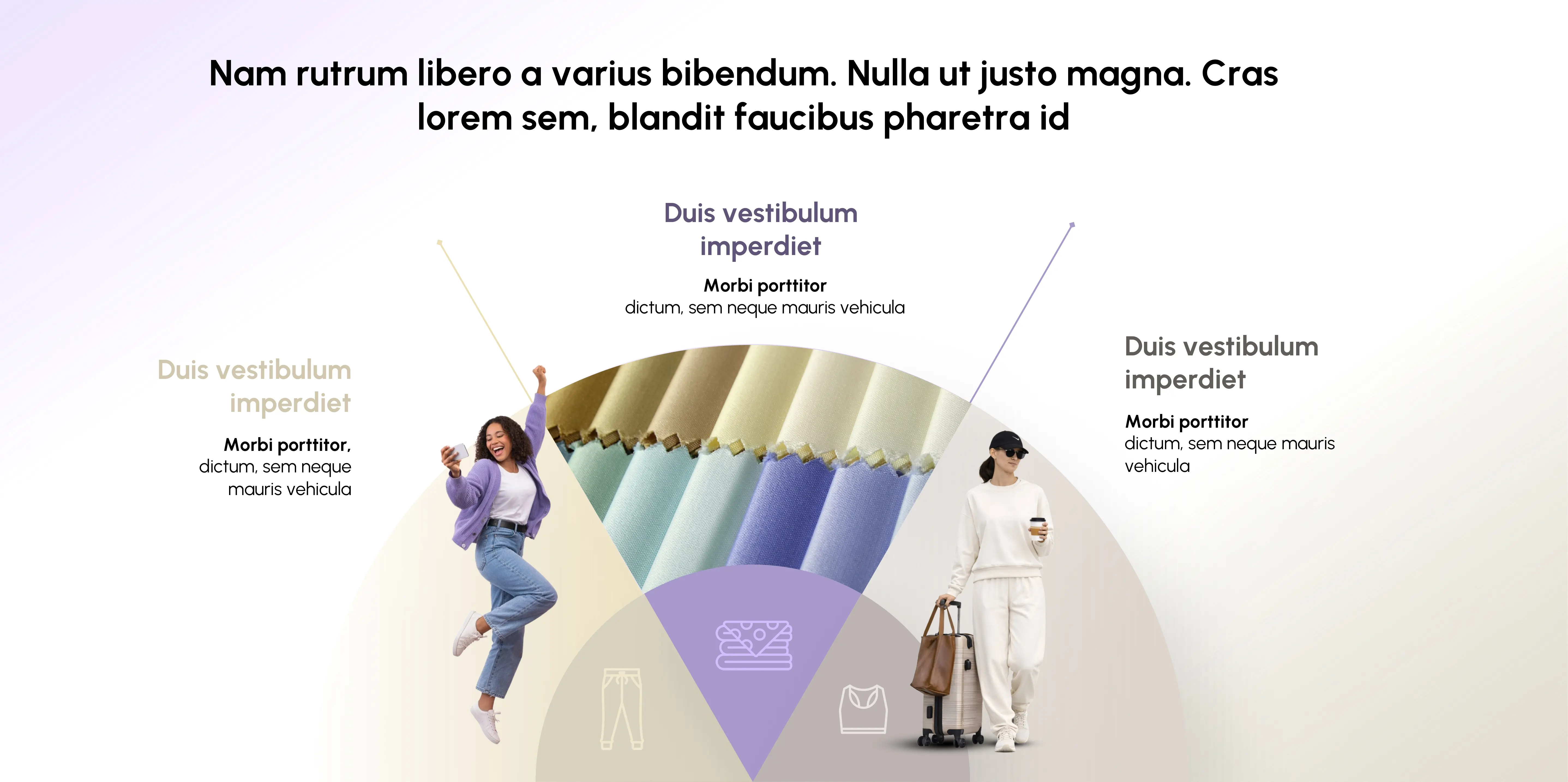
Raw data on a slide is a spreadsheet. Proper visualization of any data involves choosing the correct visualization method and make sure your insight is clearly visible.
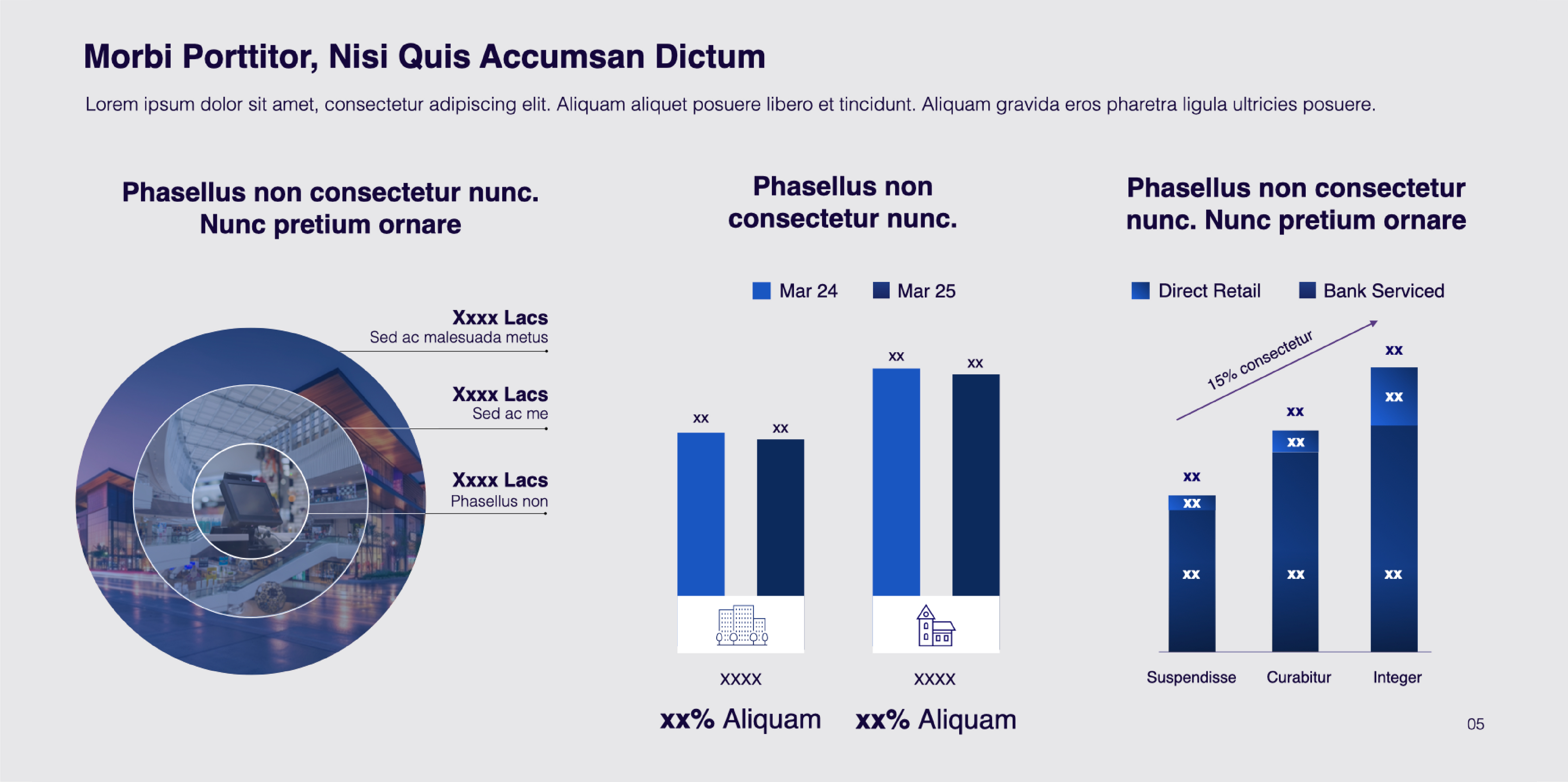
According to eye-tracking research, above 6 visual objects, the brain changes from recognizing what it is seeing to counting, and counting uses mental resources. Recognition of the six objects is immediate. Above six, the audience works rather than understands.
Count all elements on a slide: titles, subtitles, images, icons, captions, charts, tables, footers, numbers, etc. And ruthlessly combine until you drop below six elements per slide.

Size contrast, color contrast, and spatial contrast are the most effective ways to direct attention. The most significant item on a slide must stand out from everything else. Dark text against a light background is read the fastest. Accenting with one color draws immediate attention to what you want to communicate.
Never allow everything on a slide to compete for your audience's attention. If everything is emphasized, nothing gets emphasized.
When you don't use the same layouts, typefaces, colors across slides in a presentation, your audience does not only see you as being unprofessional but actually feels that you're lacking in precision. Any CEO watching your slides would automatically assume that your analyses were also inconsistent.
Every presentation should have an established type hierarchy, an accepted color palette (usually two or three), fixed margin sizes, and a consistent grid for aligning content.
Before any high-stakes presentation, run through this sequence. It takes 15 minutes and has prevented more failures than any rehearsal.
These guidelines are not just abstract. They are grounded in scientific studies about how executive audiences consume information, along with examples from actual presentations created for crucial situations.
There is perhaps no faster way to understand how to execute the method than to consider when it goes wrong and right. Here are some composite examples, based on actual executive presentations.
A founder pitches a SaaS product in a Series A round. The first slide is the product. Slide 2 is the TAM. The problem is presented in slide 7.
By slide 3, the investors checked out. Not because the product itself wasn't good enough, but because the investors didn't have any context for the value of the product yet. The problem wasn't defined clearly enough to give meaning to the solution.
This principle is visible in our work for the Forevermark Franchise Presentation. Despite over 100 slides, various revisions, broken content, and changes on the spot, the team managed to simplify the content flow so that the message remained effective and investor-ready. This led to a truly impressive business presentation that attracted investment, proving the same point again and that in critical business presentations, a solution will be effective only after the problem is properly introduced.
Discover how we converted a complicated, multilayered presentation into one that was investor-ready through improved content flow.
The company CFO presents Q3 financial results to the board. There are 22 slides in total, all presenting data tables with precise numbers. The numbers are correct. The story is lost.
At the end of the presentation, the board spends too much time clarifying the information instead of making decisions. The presentation overruns by 40 minutes, without deciding on either of the two items needing approval.
Lesson: Data is not insight. While each data slide may contain information such as a number in the table, each data slide needs to be followed by a headline explaining what this number means. Otherwise, the board has little incentive to make any meaningful decisions based on data insights alone.
The revised deck included only nine slides, with one table in each slide with an annotated inflection point. Each slide was a decision-oriented headline: "Our revenue growth trajectory remains intact, but customer acquisition costs have increased by 18% with, necessitating budgeting re-allocation conversations." The board concluded both agenda items 15 minutes ahead of schedule.
This concept can be seen in action through the HCCB Leaders' Meet 2025 case study from INK PPT, which involved the simplification of complex strategic messages into clear narratives, complete with data-based visuals that made it easier for the top leaders to make sense of what was being said. Although the scenario might be different from a board's review of finances, the concept remains the same: decision makers don't make decisions based on the information provided, but rather insights drawn from it.
See how HCCB leaders got clarity from complex strategic information and used it to make decisions quickly.
Two competitors approach the same corporate buyer with similar offers on the same day. The two proposals are effectively identical. The first presentation is a generic PowerPoint template packed with bullet points. The second has a simple hierarchy, only one idea per slide, and clearly labeled data in chart form.
The company selects the second presentation, and when asked why, the answer is: "They just seemed more competent. More like they understood our needs."
A real-world expression where this principle is used in practice is our design work on behalf of SIS Annual Conference 2025. By using 27 presentations with a three-week deadline and a fully consistent visual look, INK PPT allowed SIS to transform their conference into an organized presentation experience. Using a combination of strategic messaging and visual design systems allowed them to create a polished and thoughtful brand presence, thereby demonstrating exactly this principle in a competition, design makes you seem competent.
Find out how a compelling business presentation design helped SIS create a polished and forward-looking business story.
It wasn't the product. The competency conveyed through design was. When capabilities are presumed in an environment of competition, your presentation is judged based on your presentation.
Our approach to building high-stakes presentations is based on a systematic methodology called the 5D Process. This process ensures that any presentation we build begins with strategic alignment & not by simply design or visual execution.
At each stage, there is a specific set of inputs, outputs, and gate question that must be answered before moving onto the next stage. By forcing ourselves to define the strategic foundation of our work first, we avoid a common pitfall of many business presentations: the premature visual execution of an underdeveloped strategic narrative.
The 5D Process is not just a step-by-step checklist. It is a quality system, with gates at every step. You can't start designing until you have a valid presentation brief. And you can't go from development to delivery without having a completely stress-tested content outline and story flow.
That is why one of the biggest mistakes in business presentation design by skipping directly to the visual stage, which yields great-looking presentations that fail to influence. Structure comes before design. Always.
The HCCB Leaders' Meet 2025 is a real-world example of why presentations done well serve as a decision-making tool, and not a design project. Here's how the 5D process was implemented step-by-step.
Hindustan Coca-Cola Beverages (HCCB) had to unite senior leadership in terms of strategy, priorities of execution and common goals at the annual Leaders' Meet - a two-day event with more than 100 senior leaders attending. The problem wasn't a shortage of content. In fact, there was too much of it.
INK PPT, the Presentation Design Agency, did not start with designing any slides, but rather conducted stakeholder discovery. Instead of asking about the information available, the focus was on what decisions senior leadership had to make at this event.
As a result, three primary decision requirements emerged from the discovery phase: alignment with respect to strategic priorities for the next year, assignment of responsibility for execution within different business units, and performance goals buy-in. All the content was assessed in relation to those, and not for being true and relevant.
The inputs - the strategies, the reports, and the performance numbers - had everything in it. At this step, it was about identifying what mattered for this specific audience during these two days.
A Big Idea was set out for each deck — in other words, what the audience had to walk away from this session having understood. Then the content supporting the Big Ideas was mapped to one of three pillars in each deck. Everything else was discarded or placed in appendices.
The Big Idea for the strategy deck: "We have the plan. Now we need every leader in this room to own their part of it." Every slide was designed to serve that statement.
Once the spines of stories were approved, writing the content and structuring it into slides became the next step. The data was sorted out and visualized based on the correct medium. Was it possible to move from one slide to another, allowing a senior executive to read the entire slide deck without losing his/her way?
The transition between slide decks was explicitly designed such that the first slide of one deck is linked to the last slide of the previous deck.
It was only after the slide deck was locked that the visual design process started. A good design ensures that the audience understands your message quickly. This means using minimalistic designs with a lot of white space, designing a coherent style of data visualization throughout all four slide decks, and positioning the most critical piece as the decision-making insight, at the center of each slide.
The 8QC framework provided brand consistency in all visuals, thanks to the INK PPT a leading PowerPoint design agency quality control system, which examines typographic consistency, color usage, layout alignment, and storytelling on each slide deck.
The deliverables for this project involved slide decks optimized for presentation, speaker notes according to the narrative spine, and an event Q&A document that links possible questions to slide-level answers
They did more than just present strategy; they made decisions happen on an organization-wide scale, involving over 100 senior executives, four decks, and 2 days. That’s what a decision system can do that a presentation cannot.
Every effective presentation is made by someone who has spent most of their preparation effort before the slides came into the picture. They knew the decision they wanted to make, they knew the lay of the land in the room, they knew what one thing they had to make the audience believe in order for that decision to happen, and they crafted every slide toward that goal.
The deck itself comes afterward. If you got it right, then the deck builds itself. If you don’t, then no design polish will save you.
The best presentation in the room is always the one that is easiest to act upon. Not the most comprehensive one. Not the most slick one. The most clear one.
As a passionate explorer, I see crafting the perfect story as embarking on a refreshing Himalayan journey. Every narrative is an adventure, a voyage of imagination, meticulously molded into captivating presentations. I'm here to guide you, ensuring your story becomes an unforgettable odyssey, with each creation as a vibrant landscape ready to captivate eager audiences.

About the Author


Consult with our Business Advisor


