
Contact Us
Let’s Partner for Your Next Big Presentation
Consult with our Business Advisor
.webp)
Thank you! Your submission has been received!
Oops! Something went wrong while submitting the form.


If you have ever sat through a long, boring slideshow presentation, then you know what "death by PowerPoint" is. But coming out alive on the receiving end of a drowsy presentation doesn't mean that you can put your audience to sleep too.
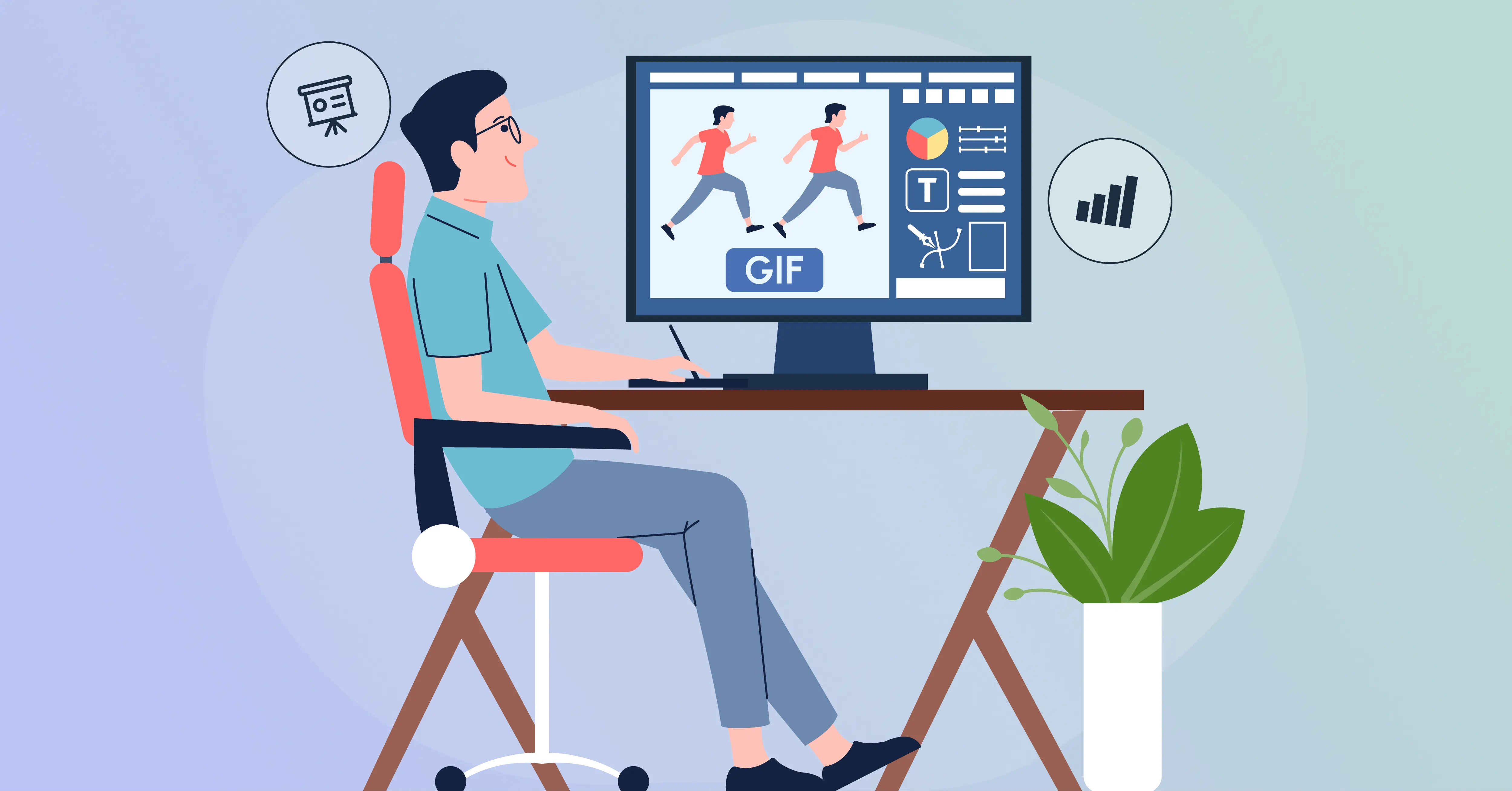
Fortunately, some opportune PowerPoint Presentation GIFs within your Presentation can captivate your audience. GIFs grant you a free and easy way to spice up your slides and break long blocks of content up into happy intermissions. Other than that, GIFs can be incorporated to create suspense, introduce a long-awaited splash of humor, and make your presentation memorable in people's minds.
Your GIFs must fit the context. You can’t use the same GIF for breaking news and risk viewer fatigue. Here we’ve found out ultimate GIFs that will engage your viewers in a range of contexts. We’ll show where to find ultimate GIFs, how to cut them, and how to insert them within your slide deck, making your presentations informative and funny through presentation humor.
GIFs will be either dull or bring a presentation alive only if done intelligently. It will distract or diminish your message if done unnecessarily. Here’s a simple guide on using GIFs effectively. It covers PowerPoint Presentation GIFs, memes, funny presentation GIFs, and presentation humour.
Decide if the GIF illustrates a point, is funny, or illustrates a concept. Great PowerPoint presentation GIFs grab attention and make slides memorable without looking cluttered. All GIFs require a purpose to better aid people's comprehension or memory.
Choose GIFs that apply to your audience and topic. Use PowerPoint memes or standard settings to boost engagement while keeping it professional. Select a message carefully. A joke or impactful remark should support your main points, not undermine them.
One GIF per page will have maximum impact. Putting animation near a point or transition helps keep things short and adds a touch of humour. Strategic use will draw audience attention while supporting a point without overwhelming viewers.
Resize, repeat, or alter speed so GIFs flow smoothly. Customizing presentation humor GIFs makes them flow naturally in your work and validates narration. Through editing, the GIF can be made to flow naturally and be finalized professionally while having some sort of entertainment.
Preview your slides to check GIFs work and trigger at appropriate moments. Using GIFs well can boost your argument, catch attention, and showcase your cleverness. Pre-testing smoothes out the flow and avoids any unexpected interruption to your own presentation.
By adhering to these steps, you can incorporate GIFs to create presentations that will be more engaging, memorable, and fun. Done thoughtfully, GIFs can not only inject humor and interest but can also cement the strength and power of your corporate presentation humor and elevate your slides.
Discover our all-in-one solutions and produce professional and interactive presentations humor. Utilize strategic design, GIF animation, and narrative, and turn your slides into successful and impressive business presentations.
These entertaining PowerPoint GIF presentations highlight everyday struggles and bring a funny and interactive element to your slides while maintaining audience engagement.
What better shows an audience how impatient they can be than having to wait while a speaker struggles with wires, passwords, or software freeze-outs? By this point, attention has dwindled, and death by slides begins even before actual discussion. A GIF placed in a relevant spot doesn't just bring humor but serves to reorient individuals who could already be losing interest.
A PowerPoint discussion GIF placed at such moments helps make the wait less agonizing and your conversation more human. Presentation humor as a tool serves to create rapport rather than lose credibility.
We’ve all felt the misery of lost hours of work as PowerPoint unexpectedly freezes. This is a source of annoyance that is a common denominator across audiences; it is a wonderful opportunity to introduce some comedic relief. Adding GIFs for PowerPoint presentations to signal the scenario not only entertains your audience but also makes your ordeal appear human.
Instead of appearing distressed, you appear hilarious and relatable. By integrating PowerPoint presentation GIFs, you can turn a potentially stressful moment into a joke, maintaining attention levels and keeping your audience engaged.
We’ve all been guilty: you're passionately sharing your grand idea, and then your boss intervenes and reminds you to keep it "short and sweet." Fill in uncomfortable silence. Placing a clever GIF animation for PowerPoint here helps break ice and remind your audience that you're self-conscious. It not only introduces humor but concludes boredom while recentering the room.
Using PowerPoint GIFs intentionally ensures that you'll identify the moment, keep it intriguing, and strike a balance between professionalism and humor without giving up your authority.
Presenting a radical idea and receiving stony gazes can be disheartening. Instead of panicking or expressing a sarcastic remark, slipping a hilarious PowerPoint presentation GIF is a great way to laugh at dead air on a comedic level. That instantaneously breaks the tension, recovers yourself, and makes you appear more assured.
Audiences respond positively to speakers who can poke a little fun at themselves. By using GIFs for PowerPoint slides, you deflect attention, bring back your audience, and convert an uncomfortable pause into reciprocal guffaws, reinforcing your authority and holding everyone's attention.
It's natural to feel nervous about unexpected questions even if you're a seasoned speaker. It's how you graciously recover. A comedic GIF animation for a presentation can defuse tension on the spot, showing that you’re adaptable and confident. Using PowerPoint presentation memes lets people know that it's okay not to know everything but having a level head and a quick wit is a good thing. Instead of appearing flustered, you use the moment to connect your audience on a comedic level and on a genuine level.
There's nothing worse than finding out a colleague "borrowed" your style of designs without due credit. While your gut reaction might be to be upset, using animated GIFs within PowerPoint can help you happily call out the situation without uneasy confrontation.
Humor is your ally here because it will allow you to deliver your message in a funny rather than confrontational manner. PowerPoint GIFs bring a subtle but compelling factor of personality to your response that reminds everyone professionalism needn't be dead seriousness.
Embellishing a difficult concept time and time again can drive anyone's patience to extremes, if it’s met with confusion. That’s where a relevant GIF animation for presentations helps. It doesn't only decreases your annoyance butalso makes your audience chuckle and remain.
With PowerPoint preso GIFs, you neither sound condescending but instead sound pleasant and patient. A dash of wit makes techno-babble edible and creates a lasting impression on the audience.
Transitions between slides can be unpredictable — smooth one minute, completely glitchy the next. Instead of uncomfortably apologizing, a humorous animated GIF in PowerPoint can be used to turn the gaffe into a comedic moment. It shows that you can accept flaws but keep things lighthearted.
By including GIFs for PowerPoint slides, you indicate flexibility while ensuring attention is placed on your message and not on the gaffe. Humor makes it easy to recover quickly and be in charge, making your presentation relatable and enjoyable.
It can be any presenter's worst nightmare to find out that his or her microphone is not working. But responding humorously makes things a bit easier. It is possible to encapsulate this group or overall frustration in a non-serious manner with PowerPoint presentation memes and turn embarrassment into rapport.
Such gaffes connect with audiences who often respond positively if presenters manage such incidents maturely. Adding GIF animation to presentations demonstrates resilience and a funny side upon experiencing setbacks, and demonstrates professionalism while making things memorable.
Few words irk designers more than "make it pop." By the time you’ve survived hours upon hours of editing, hearing it again is exhausting. Instead of having annoyance written across your face, using PowerPoint GIFs translates the message in a funny, relatable way.
It not only distracts your audience but also allows you to diplomatically suggest too much editing is an issue. Using PowerPoint preso GIFs creates comedic relief, a warning to both clients and team members that creativity is finding a balance and not making too many changes.
Presentations get better if you include visuals, mainly PowerPoint presentation humor. A good GIF adds a touch of humor, sentimentalness, or impact while keeping your audience engaged and having a blast watching your slides.
Intelligent use of GIFs makes them substantiate your points without distracting attention from viewers. Judiciously chosen PowerPoint GIFs enhance your business presentation, increase audience participation, and create business presentations that are colorful, mature, and professional.
A GIF is incomplete; it has to be edited to become professional in appearance, sleek, and attention-grabbing. Proper editing smooths out playback and makes othe verall presentation design better.
Compiled GIFs integrate effortlessly into slides, going hand in hand with words and images. High-quality-edited PowerPoint presentation GIFs convert ordinary slides into stylish, animated, and professional presentations. They allow creating magnificent business presentations that engage audiences, while others can easily and clearly understand messages.
We intend these humorous PowerPoint GIFs to make you smile while remaining relevant to any presenter's life. If a friend is about to prepare a presentation, pass this article along, they'll be able to use these chuckles. Humor is a great asset, enabling audience engagement and overcoming difficulties such as technical failure, surprise questions, or frozen-slide failure. These GIFs amuse and contain valuable practice lessons that reveal how animation can improve narration and memorability. Make your presentations better still with INK PPT.
By creating brilliant slides, advanced GIF use, and creative storytelling, we transform ordinary decks into compelling, attention-grabbing, and unforgettable business presentations such that your audience stays captivated and your message resonates long after the meeting ends. Learn how INK PPT can improve your presentations with professional flair, GIF integration, and a narrative that turns every slide into a powerful, memorable, and convincing experience for any audience.
As a passionate explorer, I see crafting the perfect story as embarking on a refreshing Himalayan journey. Every narrative is an adventure, a voyage of imagination, meticulously molded into captivating presentations. I'm here to guide you, ensuring your story becomes an unforgettable odyssey, with each creation as a vibrant landscape ready to captivate eager audiences.

About the Author



Consult with our Business Advisor


